
Property development and construction
Run the build in the same system that sold it.
Estarivo connects estates, plots and housing projects to their budgets, procurement, contractors, site progress, allocation and handover, so management can see what has been sold, what has been spent, what has been built and what buyers have been told, in one place.
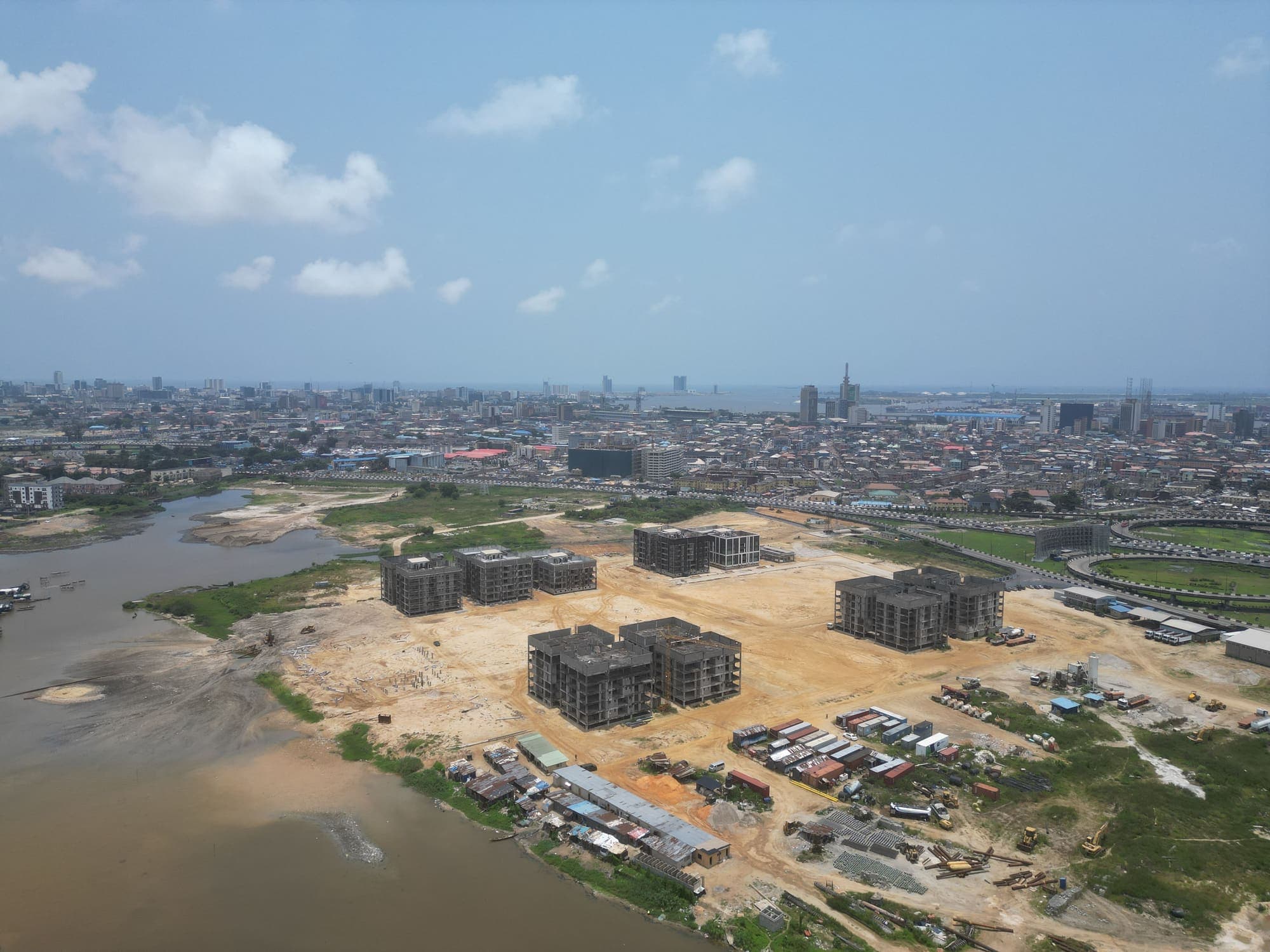
Photo: cleared lagoon-side development land in Lagos (Pexels). Illustrative; not an Estarivo customer project.
The gap between sales and site
Buyers ask about progress. Accounts ask about cost. The site has the answers.
Off-plan and land developers collect money long before handover. Buyers paying installments want to know the project is moving. Management wants to know whether it is moving within budget. Finance wants supplier invoices that match what was ordered and delivered. And the project team is usually the last to be asked and the first to be blamed.
When the project lives in its own files, these conversations run on photographs forwarded in chats and estimates from memory. Estarivo keeps the project record next to the sales and finance records, so the same budget, the same cost and the same verified progress serve everyone.
From land to handover
One project record, from the first plot to the last key.
Step 1: Land and layout
Estates, phases, blocks and plots with sizes, prices and titles; the layout can become an interactive map.
Step 2: Budget
An approved project budget by cost line, with changes requested and approved rather than overwritten.
Step 3: Buying and building
Purchase orders, supplier bills, contractor certificates and retentions, materials received and used.
Step 4: Site progress
Site reports with photographs; progress counts as verified only when a second person confirms it.
Step 5: Buyer updates
Selected progress is published to the buyers of that estate in their portal, labelled honestly.
Step 6: Allocation and handover
Plots and units are allocated when payment conditions are met, then handed over with a record.
In the application
Budgets, costs and a progress timeline your buyers can trust.
Each project shows its approved budget against commitments and posted costs, a red, amber or green status, and a progress timeline built from site reports. Reported progress and verified progress are shown separately, so nobody presents an estimate as a fact.
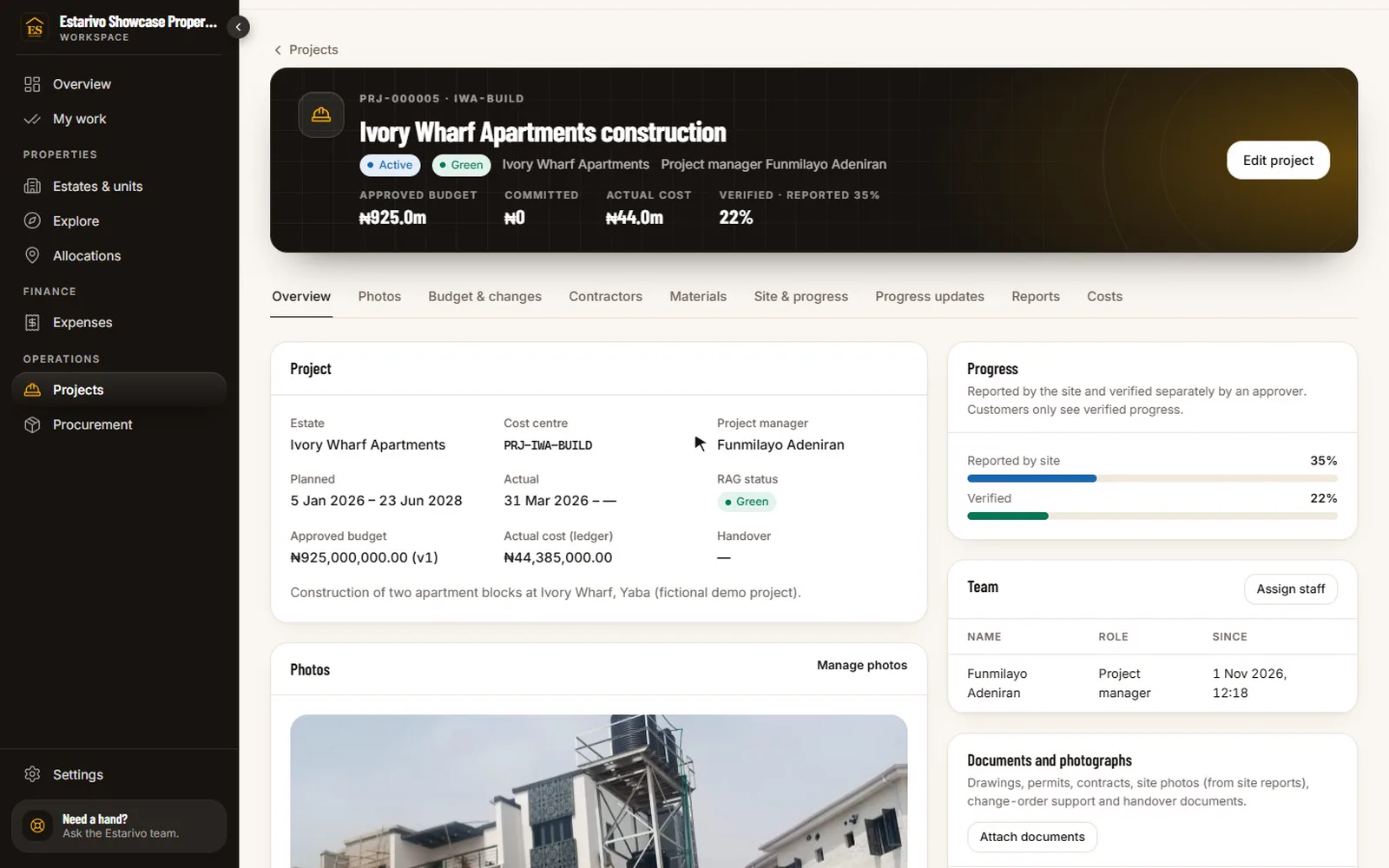
Recorded in Estarivo · demonstration company, fictional data · 15s · What it shows
- Projects linked to estates, with budget, cost and verified progress
- One project: approved budget, commitments and posted costs
- The progress timeline: verified site reports and published customer updates
- Procurement: purchase orders and supplier bills charged to the project
Honest progress updates
What buyers see is labelled for what it is.
When your team publishes an update, buyers of that estate see it in their portal and can be notified. Photographs from site reports are shown as site photographs; architectural concepts, renders and reference images are marked as illustrations, never as construction evidence.
- Estates and phases
- Plots and units
- Housing projects
- Contractors
- Procurement
- Construction budgets
- Milestones
- Site reports
- Allocation
- Handover
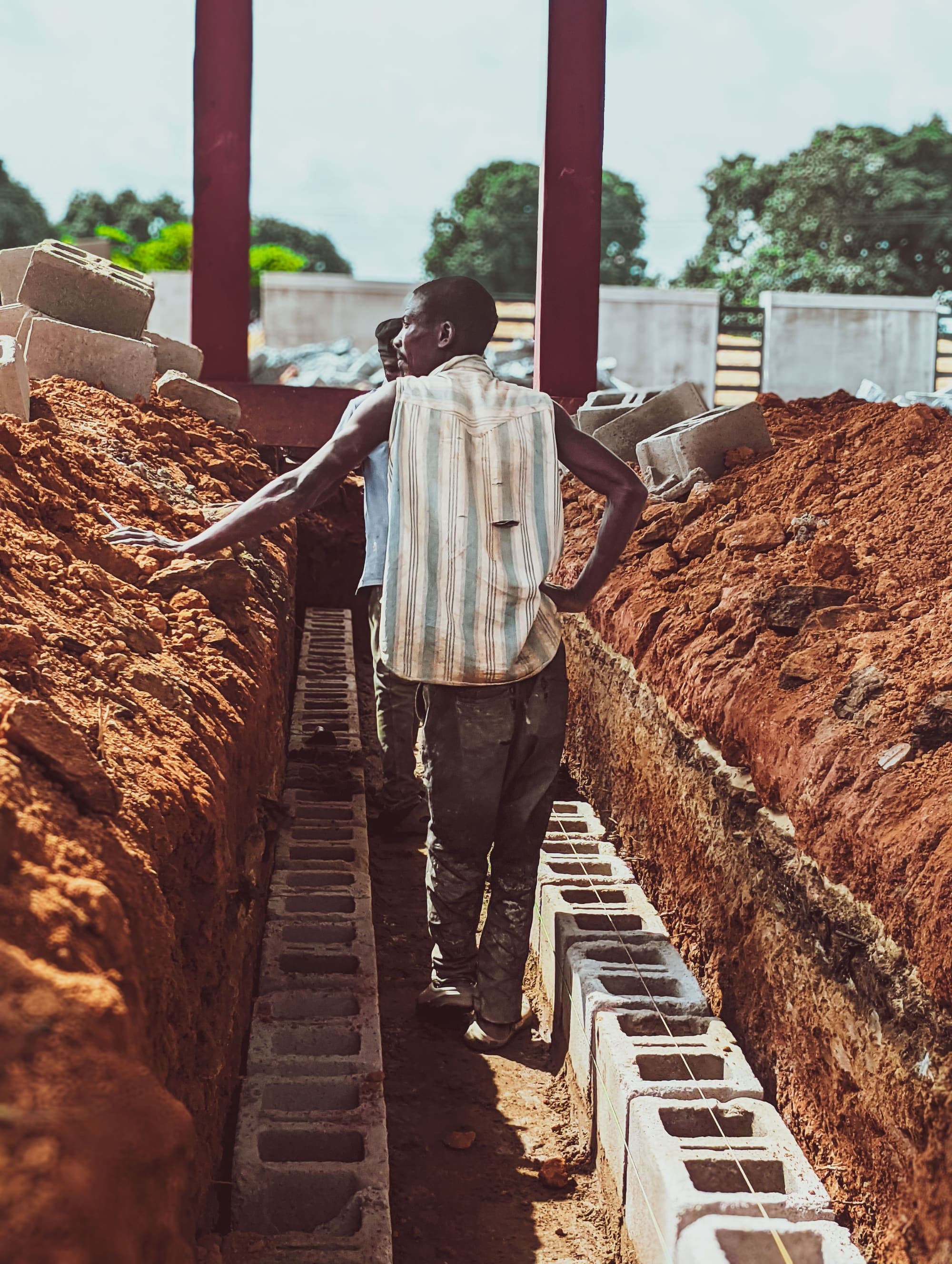
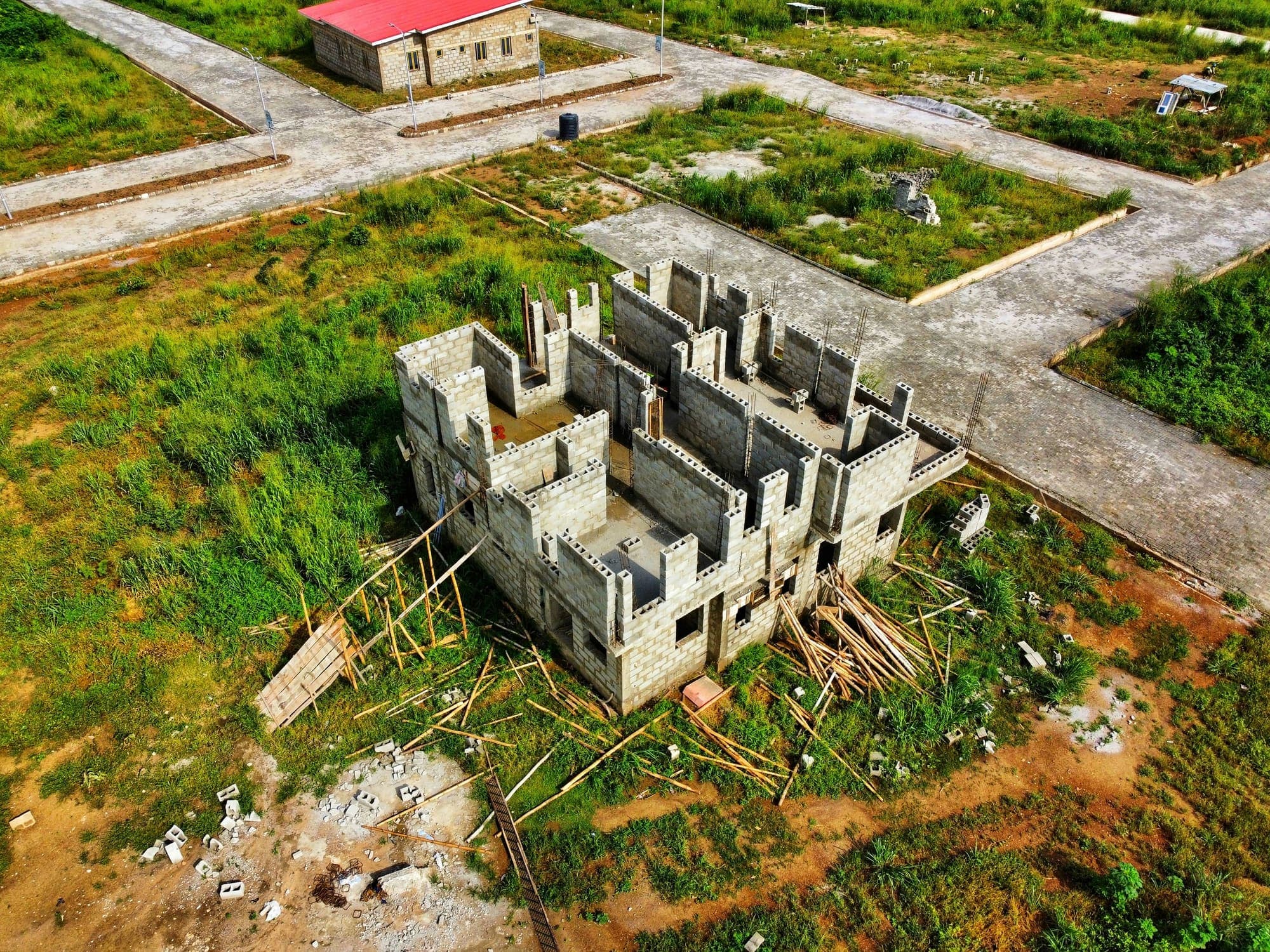
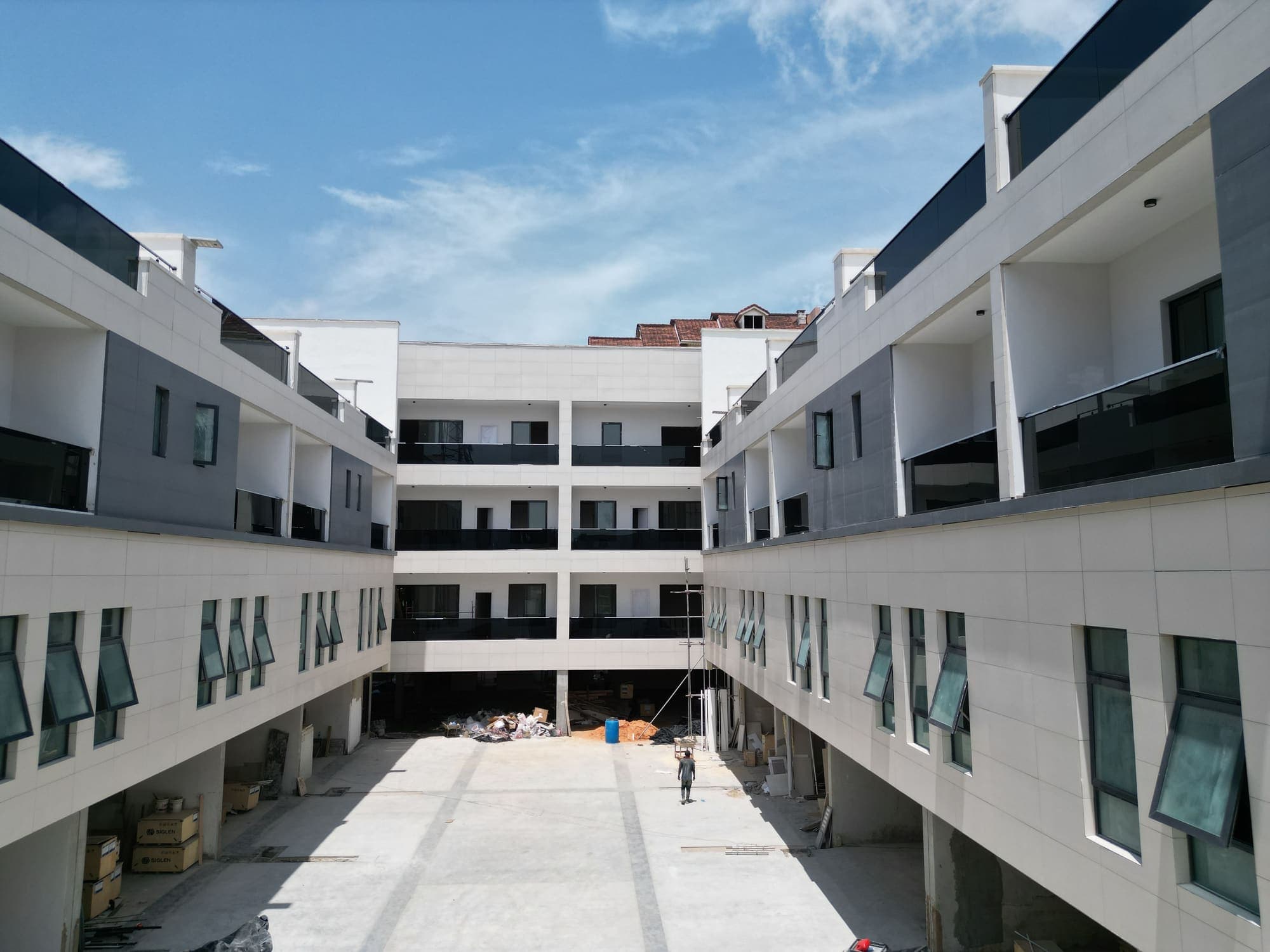
Photos: licensed stock from Pexels and Unsplash (Kaduna, Ibadan, Lagos). Illustrative; not Estarivo customer projects.
Questions
Questions developers ask
Can project costs be tracked against the estate's sales?+
Yes. Costs are charged to a project linked to an estate, and the estate summary shows sales, collections and project cost together.
Do supplier bills need approval?+
Purchase orders, supplier bills and payments follow your approval rules, with VAT and withholding tax handled on the bill.
Can buyers see construction progress?+
Yes, when your team publishes an update. Buyers of that estate see it in their portal; drafts stay internal.
Is allocation automatic?+
No. Estarivo checks the conditions your company sets (for example full payment and nothing overdue) and the allocation itself is approved by an authorised person.
One system
Connected to the rest of your company
- Accounting & finance Project costs, supplier bills and retentions post to the ledger.
- Installments & collections Allocation follows the buyer's verified payments.
- CRM & customer portals Published progress updates appear in buyers' portals.
- Estate maps & virtual tours Turn the estate layout into a live, clickable map.
- Rentals & facilities Completed units can move into rentals and facility management.
Bring your projects and your sales into one view.
We'll walk through a construction project, its budget and costs, the progress timeline and what buyers see, using a demonstration company.